
こんにちは!サキナオコです^o^
あづいー暑すぎですよね。
さて、今日もライブ夜8時から行いますのでぜひどうぞ!
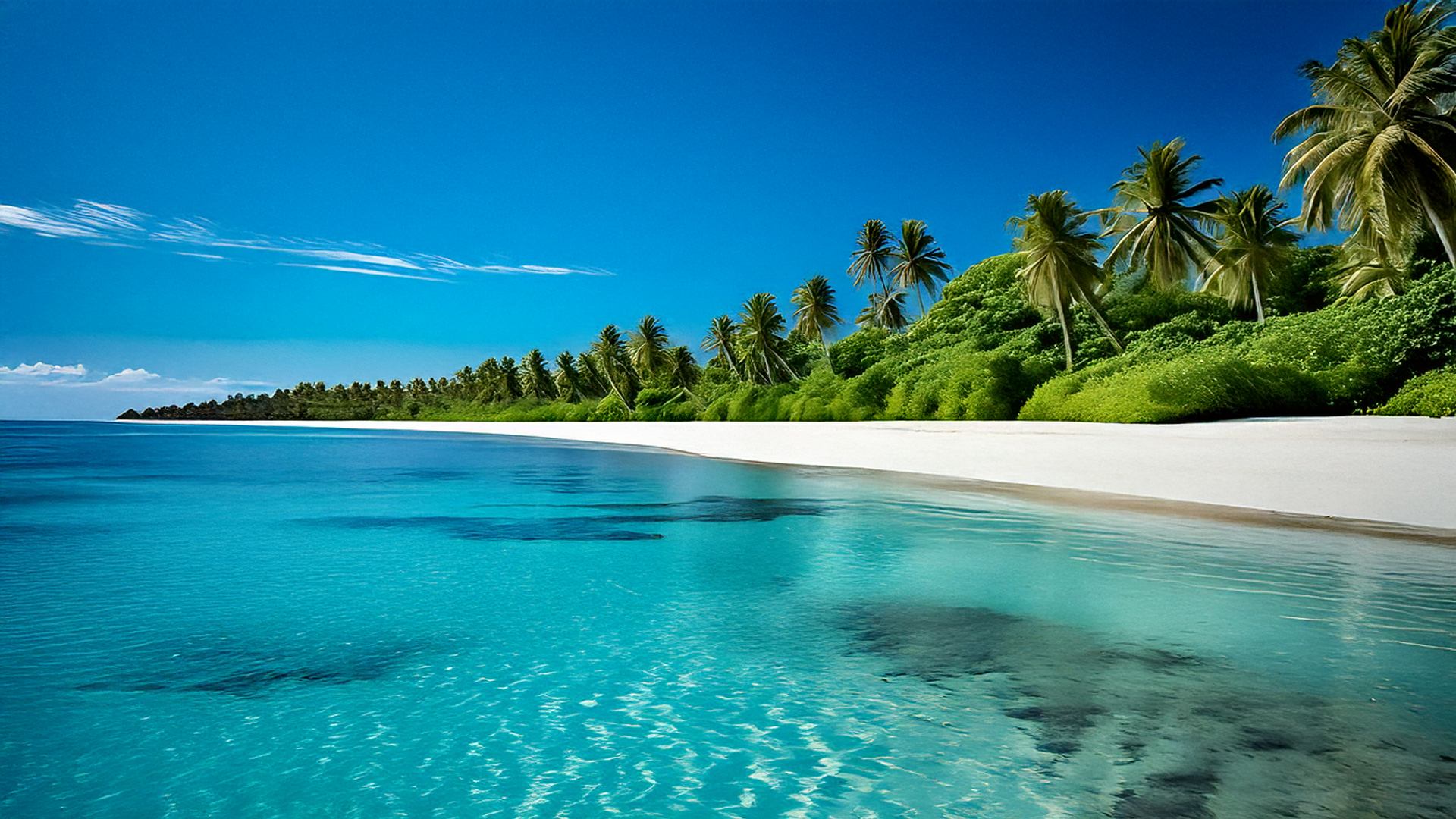
で今サムネイルの画像作ってたんですけど、AI画像生成を3種類使って生成してみましたんで、のっけときます。
同じプロンプトで生成してみます。
Prompt (positive):
Ultra‑realistic DSLR photograph of an empty tropical coastline where dense emerald jungle meets a pristine white‑sand beach; ((crystal‑clear turquoise water)) revealing the rippled seabed; ((deep cobalt‑blue sky)) under ((harsh midday sun)) with hard, crisp shadows; wind‑bent ((palm trees)) leaning over the shore; glittering sun highlights on the water, high micro‑contrast, extremely detailed textures, natural RAW color, no haze, no people. Shot on a full‑frame camera, 35mm lens, f/8, ISO 100, circular polarizer, 1/500s. 8K resolution, ultra sharp, photorealistic, no stylization.
Emphasis (optional to repeat inside the prompt):
((crystal‑clear turquoise water)), ((deep blue sky)), ((harsh midday sun)), ((palm trees)), ((no people))
Negative prompt:
people, person, human, animals, boats, buildings, huts, umbrellas, docks, footprints, trash, text, logo, watermark, UI, CGI, cartoon, anime style, overexposed blown highlights, HDR halos, excessive noise, blur, lens distortion, fisheye, tilt‑shift, chromatic aberration, banding, artifacts
まず、Sora
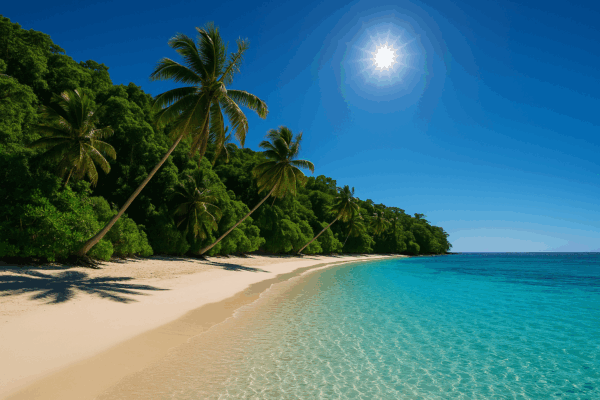
なんだろう、空の方が画像荒れちゃってるけども。
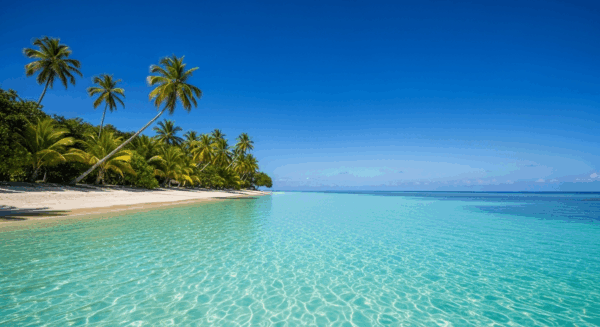
そつなくこなす。
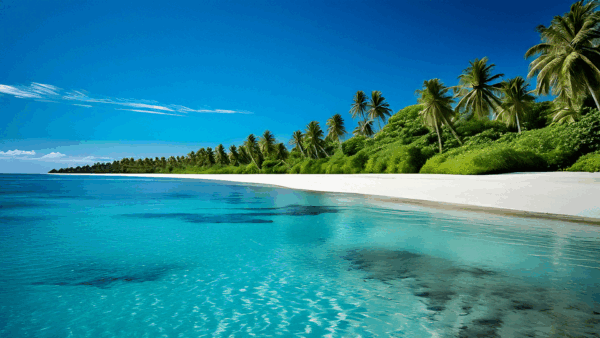
まあいいけどヤシの木の位置が惜しいなあ。
海の感じはFireFlyでヤシの木の感じはVeo2かな。Soraは無難にできてるかな。てかなんで画像荒れてるんだか??
ちょっと自分でプロンプト日本語で書いてやってみました。
prompt:
夏の海、白い砂浜、南の島、青い海、青い空、超リアルな画像

可もなく不可もなく。普通な背景。
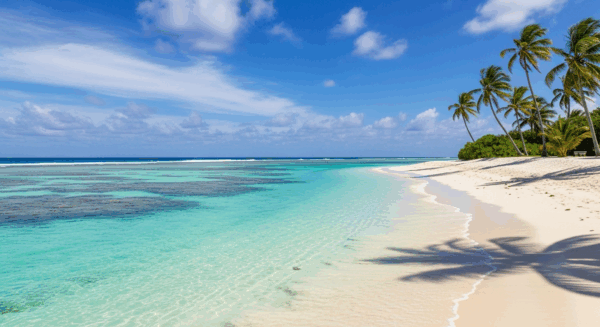
ぎっしりプロンプト入れた時より自然な感じ。解像度は粗めな感じだけども。
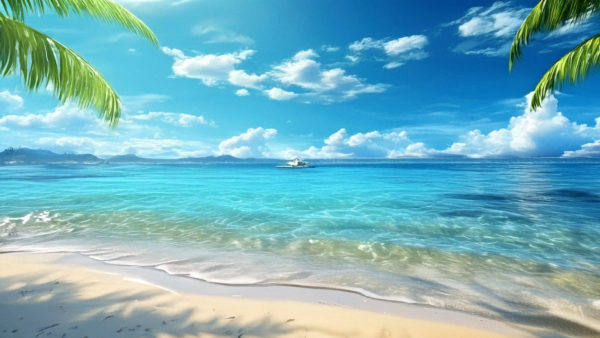
意外にきれいにできた。ちょっと絵っぽいけど。
やっぱりプロンプト次第って感じですね。ぎっしりプロンプト書いた方はきめが細かい感じがします。ただ、木の並び方とか自然な感じがするのはスカスカなプロンプトの方。
まあ自分で書くよりGPTにプロンプト書いてもらった方がきれいにできるのは確実ですね^^

コメントを残す